Desk Setup · Buying guide
USB-C docks for a one-cable desk
Check display support and charging before choosing a dock.
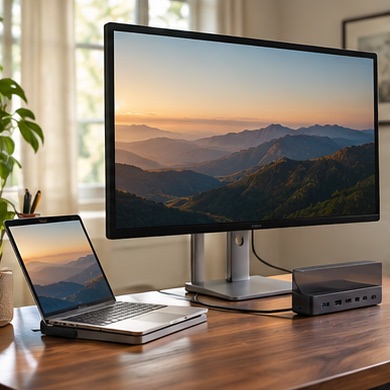
At the end of the workday you unplug a monitor, power, a webcam, and Ethernet before taking the laptop to the kitchen. A single connection is appealing, but a dock must match the computer's actual capabilities.
Start with your setup
Draw a map of each connection, starting with the laptop model. Check its video output support, the number of external displays it can drive, and the charge power it expects. Note the resolution and refresh rate of each monitor.
What to buy
One display and occasional peripherals. compare a compact hub with pass-through charging.
Several always-connected devices. look for a powered desktop dock with accessible ports and enough power delivered to the computer after the dock takes its share.
Before you order
Check whether a display arrangement requires software or a specific type of host port. Before the return window closes, test sleep and wake, display passthrough, power under load, and your webcam and Ethernet together.