Networking · Buying guide
How to choose a home network switch
Add wired ports for the devices sitting near your router.
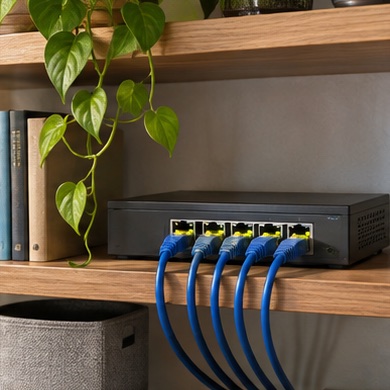
The router has one port left but your desk now needs a computer, a game console, and a network printer. A small switch can put several nearby devices on the same wired network.
Start with your setup
Count the devices that will connect today, a spare port, and the port used to link the switch to the router. Decide where the unit and its power adapter will sit.
What to buy
Simple expansion. choose an unmanaged switch with speeds matching your devices.
Cameras or access points. compare Power over Ethernet models only after checking each device's required standard and the switch's budget.
Before you order
Match the switch to actual bottlenecks. A faster switch will not increase the speed of a slower uplink. Label the uplink and wall runs so a later change is easy to trace.