Networking · Buying guide
A first NAS for family photos
Price the complete storage and backup plan before choosing the box.
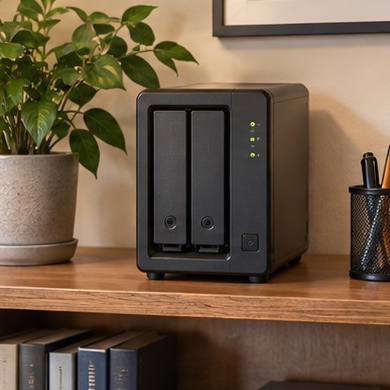
Family photos live on three laptops and nobody knows which one has the original albums. A shared network drive can give everyone one place to organize them.
Start with your setup
Estimate today's library size, growth, and the devices that need access. Plan the permissions before inviting the household. Set aside space and money for a second copy away from the NAS.
What to buy
Simple shared library. compare a small enclosure and supported drives.
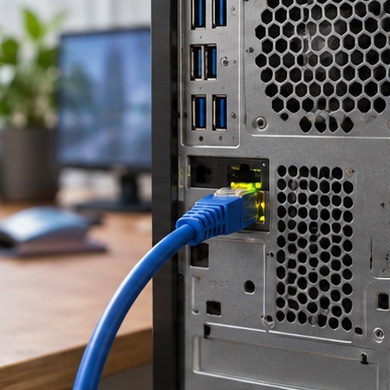
Photo workflows with large exports. weigh faster networking only if the computers and switch can use it.
Before you order
Redundancy inside a NAS protects against some drive failures. Keep an independent backup and test restoring a folder. Check software update policies and avoid exposing the device directly to the internet.